- Secure order
- Easy return shipment
- Service-Hotline +31 20 809 5778
Instructions No. 3596
Difficulty: Beginner
Working time: 3 Hours
Step 1: Download and print the template
Start by downloading our free template from the website. The templates are available in different designs, perfect for making sure you get exactly the look you want. Print out the template.
Step 2: Scan the template
Take your printed template and scan it with your brother ScanNCut hobbyplotter . This plotter is a versatile tool specifically designed to cut electronic designs with precision. Follow the instructions on your plotter to scan correctly.
Step 3: Let it cut
After you have scanned the template, check the preview on your plotter display. Make sure that all lines are clean and continuous so that the plotter can follow the design exactly. Then give the command for the plotter to cut out the design.
Step 4: Weeding
When plotting, weeding means that you remove the excess film that is not part of the design from the carrier film. Use a weeding tool or a needle to expose the fine lines and details. This is an important step to ensure that your design is transferred clearly and cleanly.
Step 5: Transferring the design
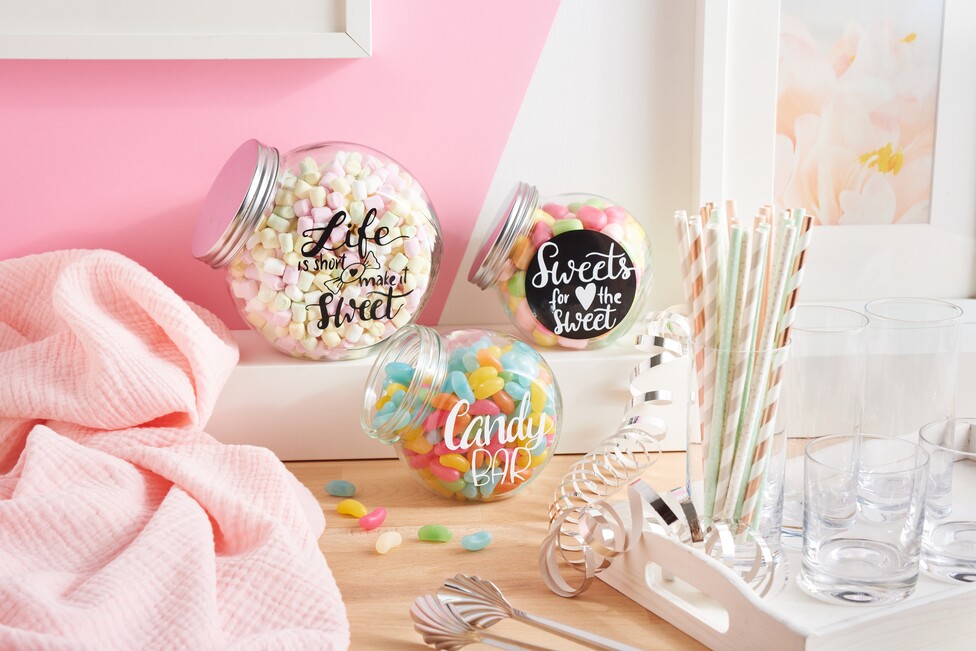
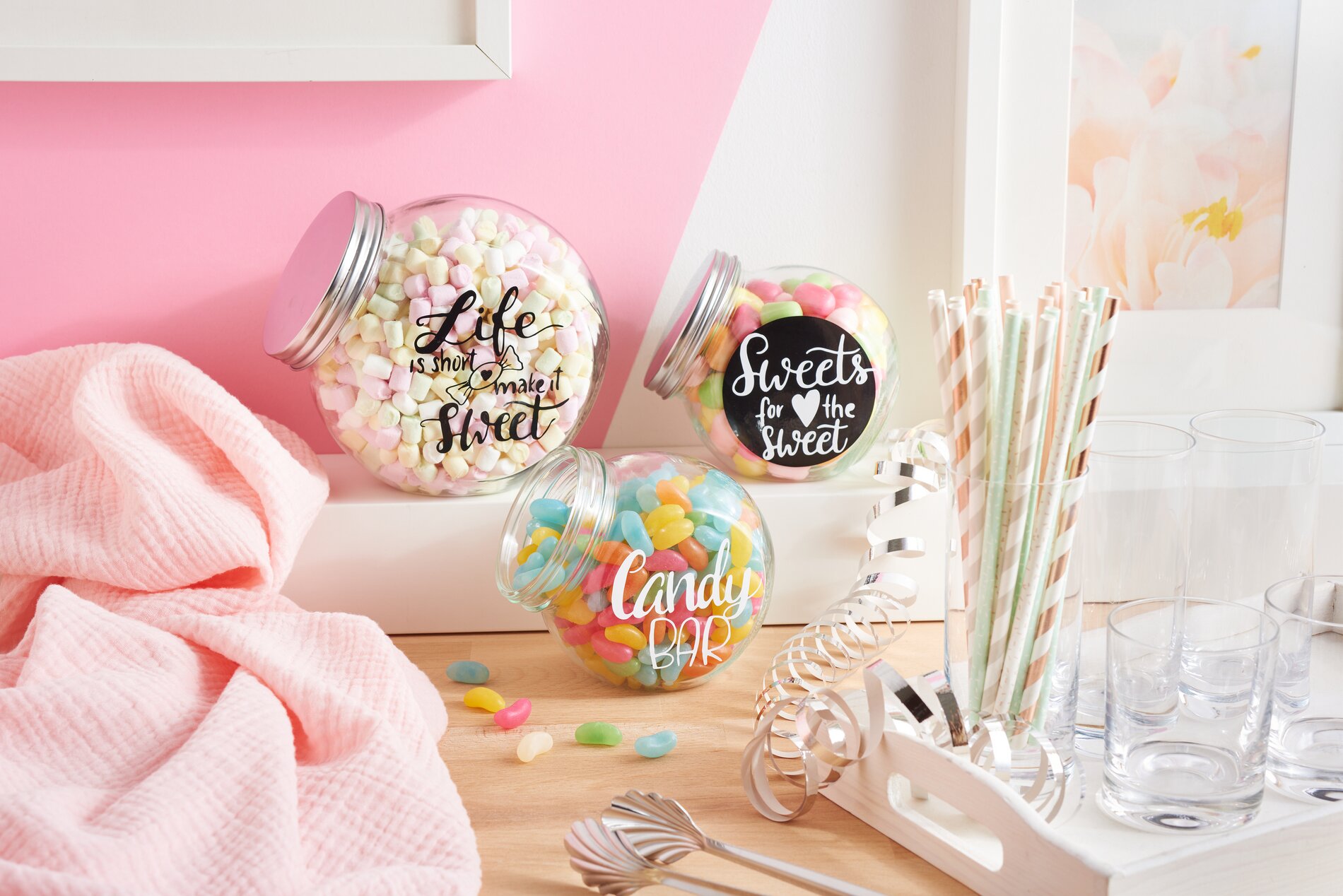
Once your design is prepared, use a transfer sheet to transfer it to the candy jar. Carefully place the transfer film over the plotted design and press firmly so that the design sticks to it. Slowly peel off the foil and make sure that all parts of the motif come with it. Gently position the transfer foil on the candy jar and press it down evenly. Finally, remove the transfer foil so that the design sticks to the glass.
Final thought: Become a master of individual design!
Now you have a personalized candy jar that stands out with your unique design! Take the opportunity to showcase your work on social media or give it as a gift for special occasions. If you want to start more creative projects, visit our online store and discover a wide range of craft materials and tools. Have fun crafting and plotting!